iOS
Swift
Tabunganku
A personal savings and transaction tracker iOS app — built with SwiftUI and powered by CoreData for fully offline, local-first data storage.
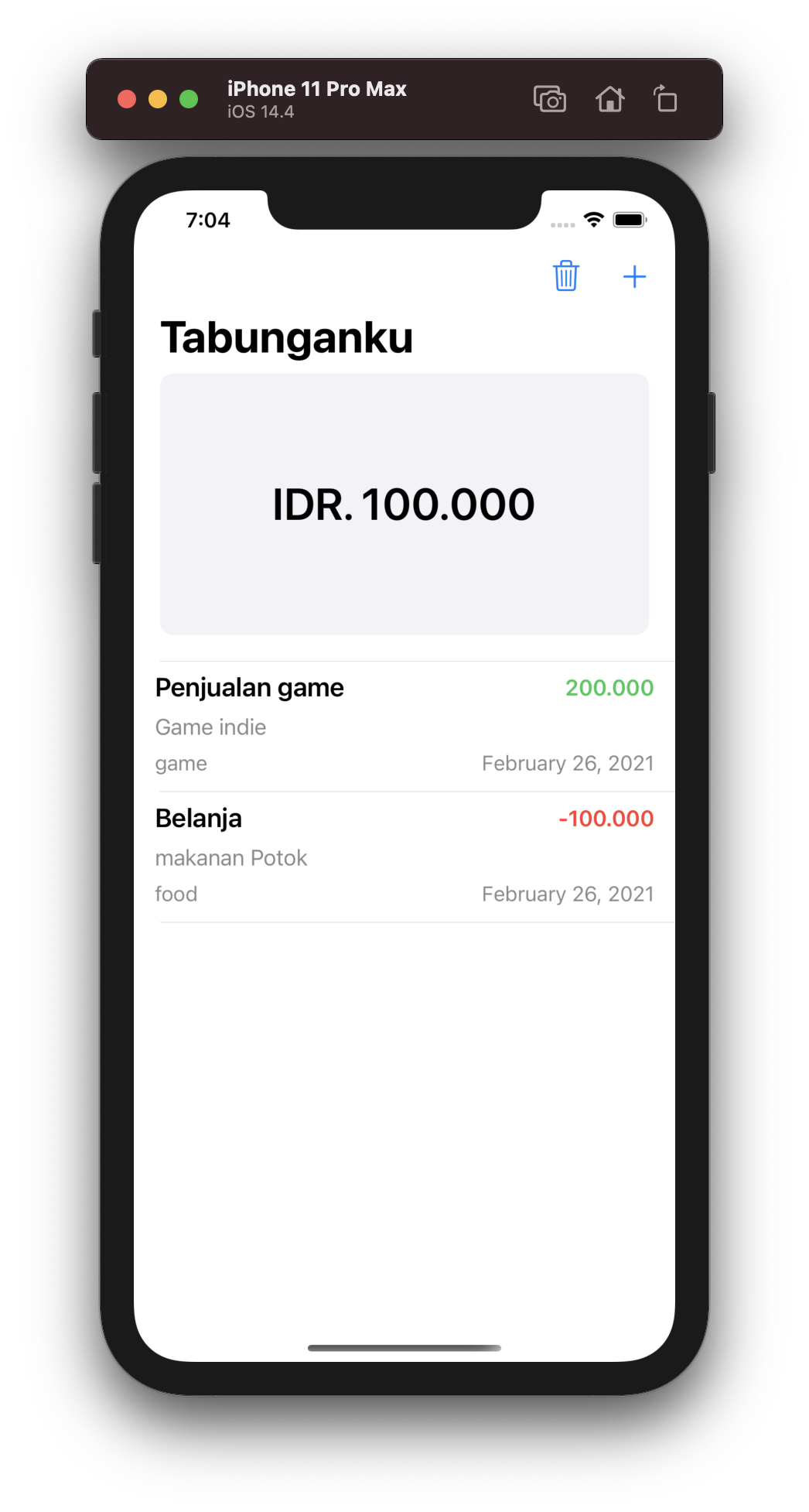
A personal savings and transaction tracker iOS app — built with SwiftUI and powered by CoreData for fully offline, local-first data storage.
Engineering
Technologies used to build Tabunganku for iOS.
Built with SwiftUI using a declarative, state-driven approach — delivering a clean, native iOS experience for viewing savings balances, transaction lists, and managing entries.
CoreData provides structured local storage for all savings and transaction records — enabling fast reads and writes, data relationships, and fully offline functionality with no backend dependency.
Used async/await (Swift Concurrency) for all CoreData fetch and write operations — ensuring the main thread stays responsive while data loads, even as transaction history grows.
App Features
A focused personal finance tool for managing savings entries and transactions from your iPhone.
View current savings balance and a summary of all accounts in one glance.
Add, view, and delete income or expense transactions with full CoreData persistence.
All data stored locally via CoreData — no internet connection needed, ever.
Complete Stack
My Role
Built Tabunganku as an independent personal project — designed and developed the full iOS app from scratch. Key work included building the SwiftUI views and state management, modelling the transaction and savings data schema in CoreData, and using async/await for non-blocking data fetch and save operations.